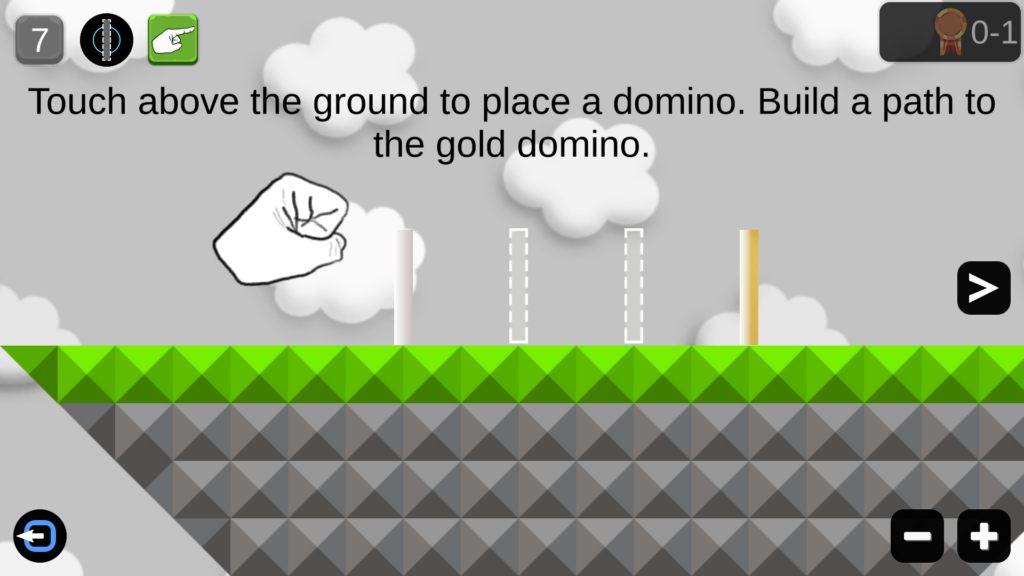
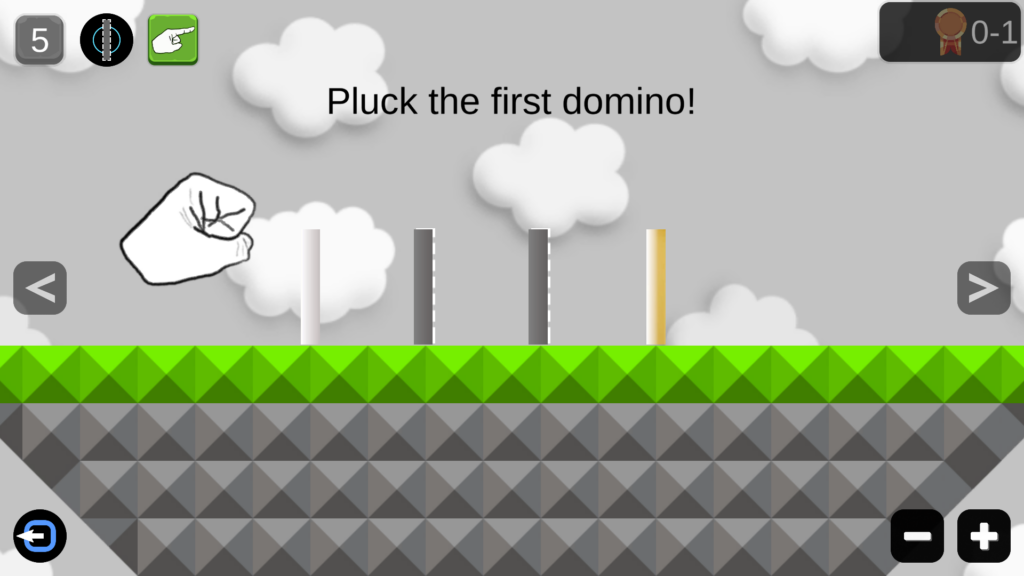
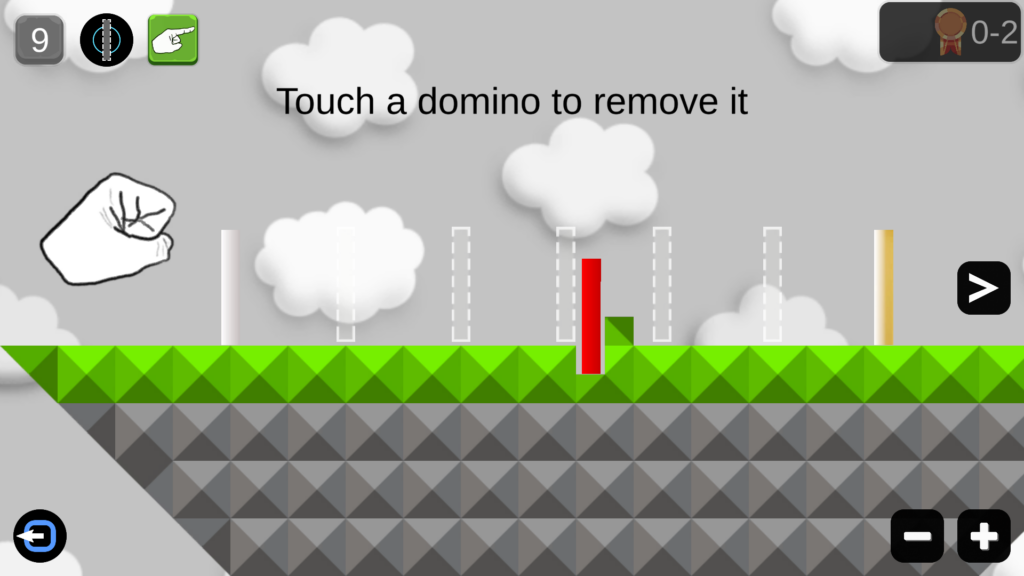
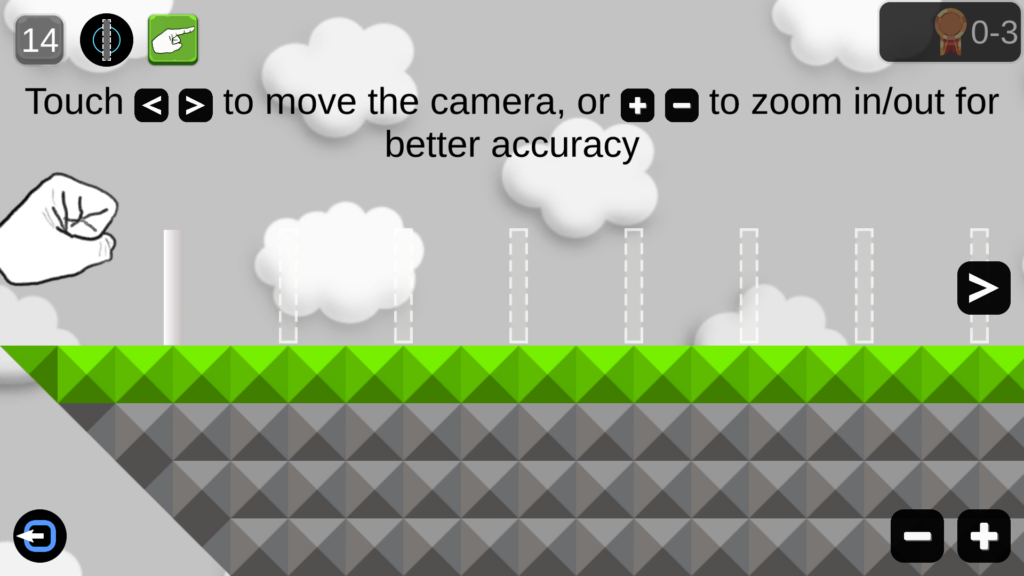
Touch a domino to remove it – and any other dominoes that overlap the cursor. It will be placed back into your domino count.
Move the camera or zoom in & out if needed for bigger levels.
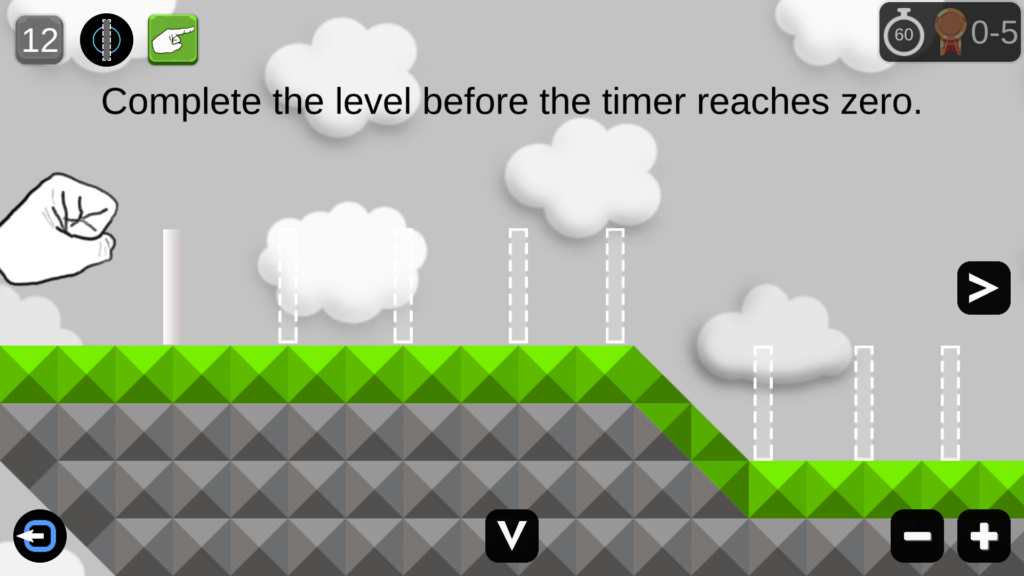
Complete the level before the timer reaches zero!
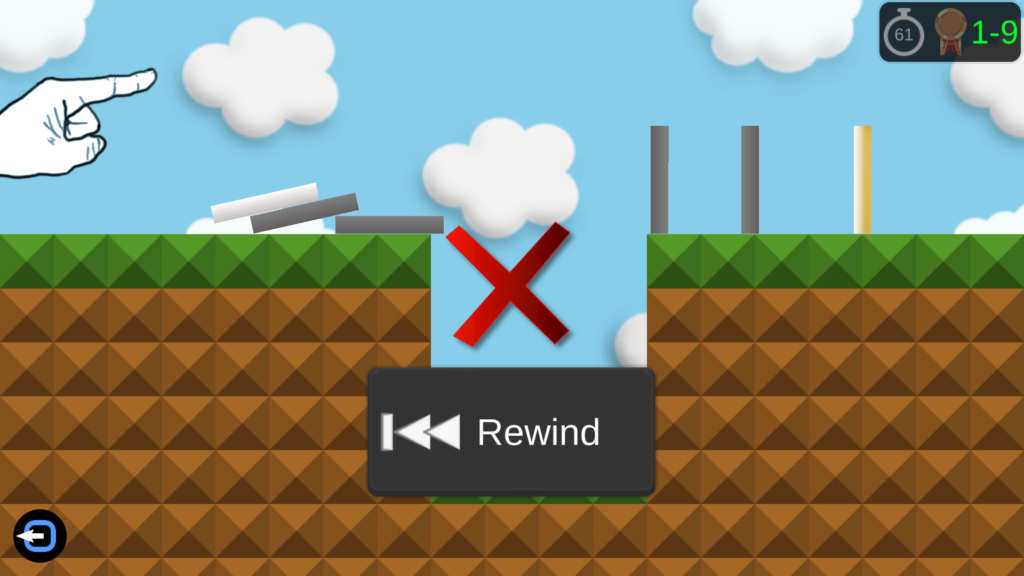
If you fail a level – Rewind the level and begin where you left off, if the timer has not ran out.
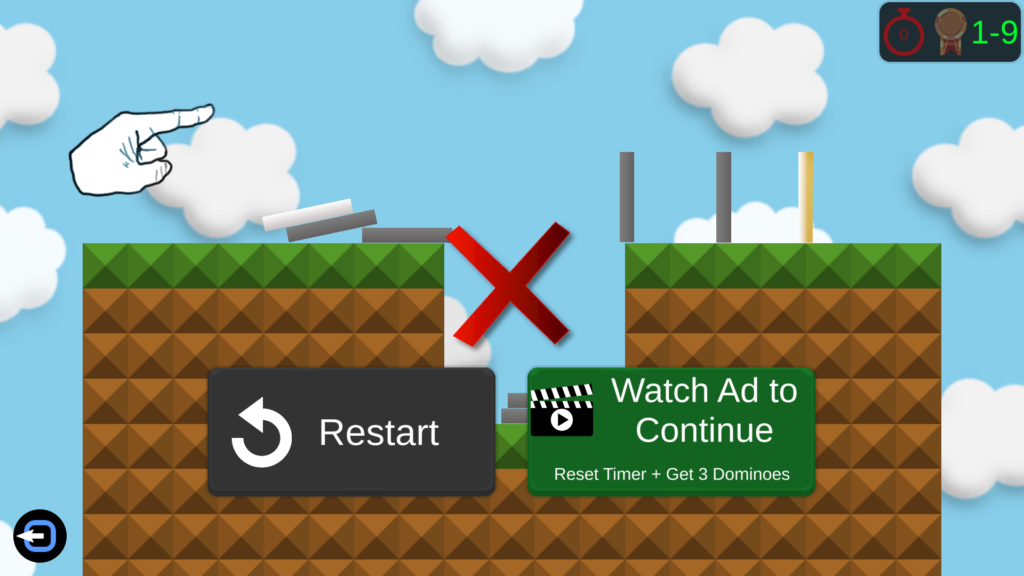
If the timer has run out, you can’t rewind will have to restart the level from scratch. You may have the opportunity to Watch an Ad to Continue: Reset Timer + Get 3 Dominoes (Only once per level – Active internet connection is required.)
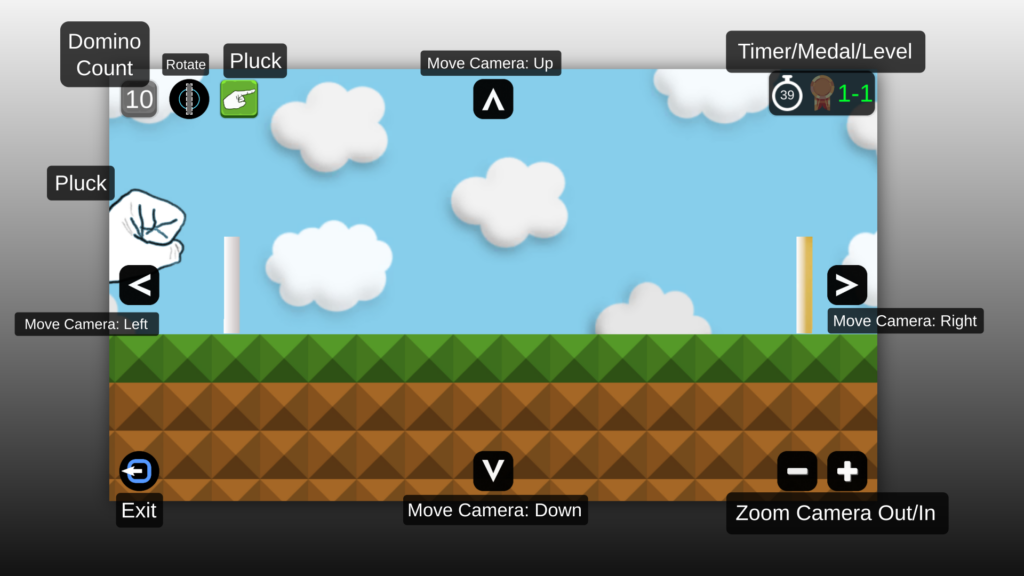
The buttons on the game screen
Domino Count: This shows you the number of dominos you can create. If you remove a domino, it is added back to this number. Clicking this button will open the Domino Store – where you can select or buy a new type of Domino using coins. Coins are only earned by completing levels and earning medals.
Rotate: Rotate the cursor before you place a domino.
Pluck: Pluck the domino to start the game!
Move Camera: Move the camera view Left, Right, Up, or Down.
Timer: If the countdown timer reaches zero, you are forced to either Play or Restart the level.
Medal: Earn a medal by using the least amount of dominos to complete the level.
Solid: You have earned a medal on this level!
Half visible: You will earn a medal if you complete the level.
Barely visible: You will NOT earn a medal if you complete the level